Wi-Fi photo & video transfer
Browse the card in your camera from your phone, pick what you want and save it straight to your photo library at full resolution. The transfer runs over the camera's own network — no internet needed.
All six brandsCameraConnect joins your camera's own Wi-Fi and brings the shots across — no cables, no card readers, no laptop. Then it goes further: fire the shutter from your pocket, drive the camera with live view, and grade the results with film looks.
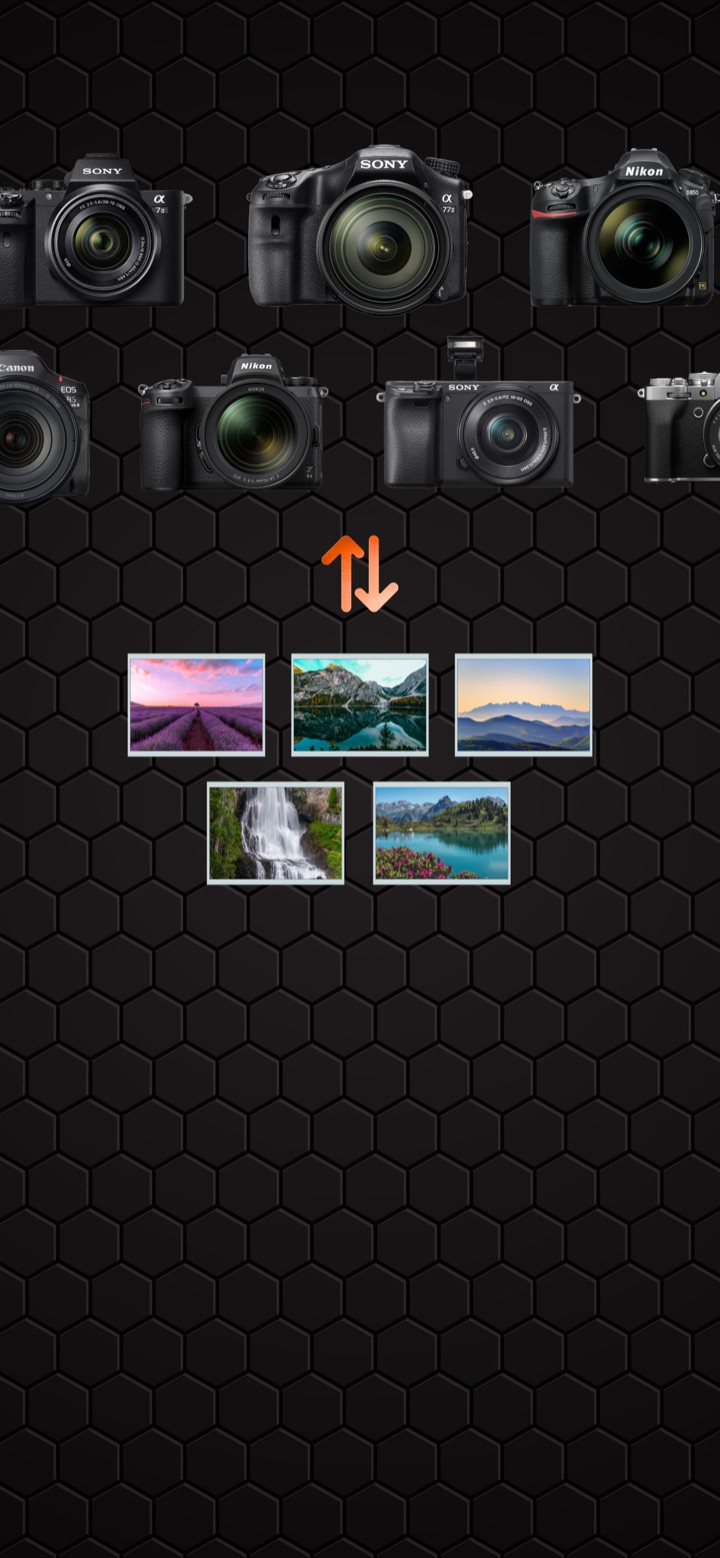
Works with Sony, Nikon, Canon, Fujifilm, Panasonic Lumix and Leica bodies.
Six camera systems, one app






Most manufacturer apps do one job, badly, and only for their own bodies. CameraConnect speaks each brand's own wireless protocol, so one app covers the whole bag.
Browse the card in your camera from your phone, pick what you want and save it straight to your photo library at full resolution. The transfer runs over the camera's own network — no internet needed.
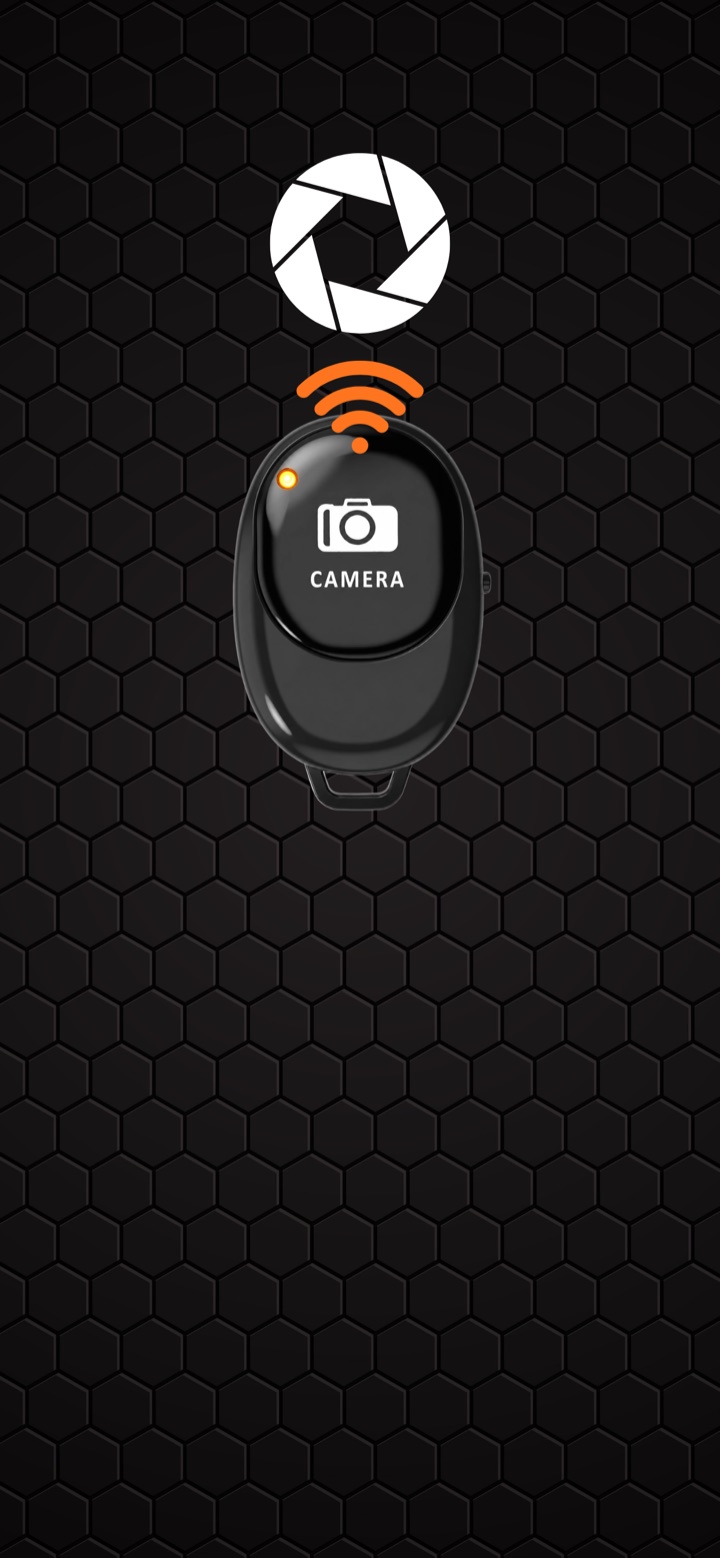
All six brandsPair over Bluetooth and trigger the shutter from across the room. Long exposures without touching the body, group shots without a self-timer sprint, wildlife without spooking anything.
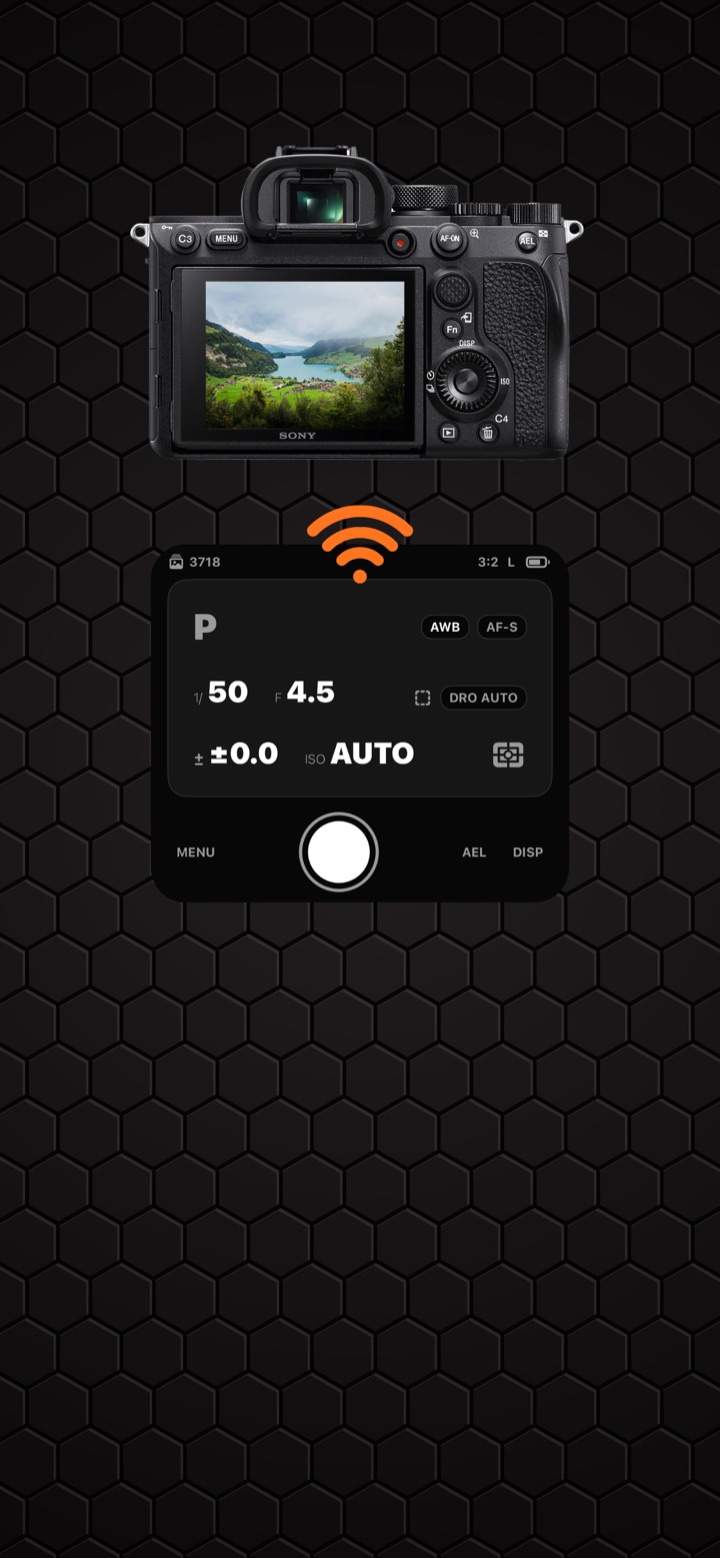
Cable-freeSee what the camera sees and change shutter speed, aperture, ISO, exposure compensation, white balance and focus mode from the phone — then hit the big shutter button.
Sony · Canon · Lumix28 colour looks built as real 3D LUTs — Provia, Velvia, Astia, Classic Chrome, Classic Neg, Nostalgic Neg, Eterna, Reala Ace, Pro Neg, plus a set of Kodak-style and creative grades. Adjust the strength, save the result.
28 looksMount the body, walk away, and take the picture from your phone over Bluetooth. The tutorial card walks you through pairing the first time, and the app remembers your camera after that.
Connect over the camera's Wi-Fi and CameraConnect turns your phone into a live monitor and control panel — the exposure triangle, white balance, focus mode and the shutter, all where you can reach them.
Every look is a proper 3D LUT applied on-device, so grading is instant and works with no signal. Dial the intensity in, compare before and after, then export to your photo library.
No account to create, no cloud upload, no desktop software in the middle.
Turn on the wireless mode your camera already has — "Send to Smartphone", "Remote Shooting", "Connect to Smartphone". The app shows the exact steps for your brand.
Scan the QR code on the camera screen and CameraConnect joins the network for you, or connect manually. Your camera's network is remembered for next time.
Browse the card, save what you want to your photo library, take control of the body, or send a shot through the grading studio. All on the spot.
Transfers run camera-to-phone over a local connection. We operate no servers for your images, we never upload them, and we cannot see them. Grading happens on-device too — the LUTs ship inside the app.
Wi-Fi media transfer works with Sony, Nikon, Canon, Fujifilm, Panasonic Lumix and Leica bodies that offer a wireless transfer or smartphone mode. Remote control with live view is available for Sony, Canon and Lumix; the other brands connect for transfer only. Camera manufacturers implement these features differently across models, so some older or entry-level bodies may not expose them at all.
No. While you are joined to the camera's own Wi-Fi network your phone usually has no internet at all — everything the app does with your camera works offline.
Never. Images and videos travel directly from the camera to your phone and stay there. We run no image servers and have no way to access your library.
Local Network is how iOS lets an app talk to a camera on the same Wi-Fi. Bluetooth is used for the remote shutter. Camera access is only for scanning the Wi-Fi QR code your camera displays. Photo library access is only used to save the photos you choose to keep.
The app is free to download and try. Some features are part of CameraConnect Premium, an auto-renewing subscription billed through your Apple ID — current prices and options are shown in the app before you buy. See the Terms of Use for the details.
Check that the camera is in the right wireless mode and that your phone is joined to the camera's network rather than your home Wi-Fi. The app includes a diagnostics screen that reports what it saw on the network — send that to binggu1996@gmail.com along with your camera model and we'll take a look.
CameraConnect is coming to the App Store for iPhone and iPad. Want to know when it lands, or want your camera model tested? Drop us a line.